01
Explore more concepts
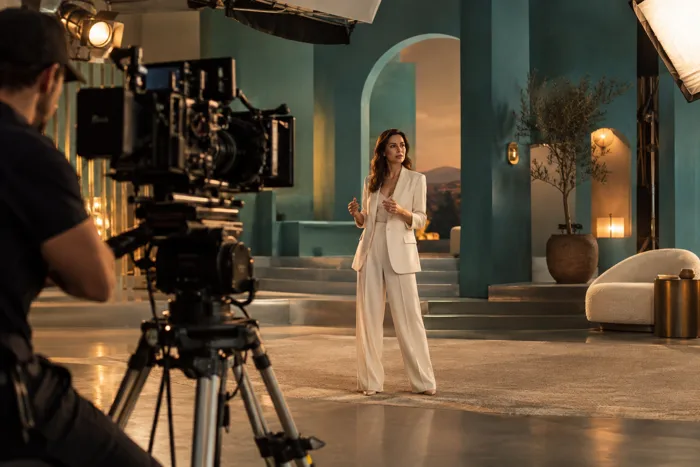
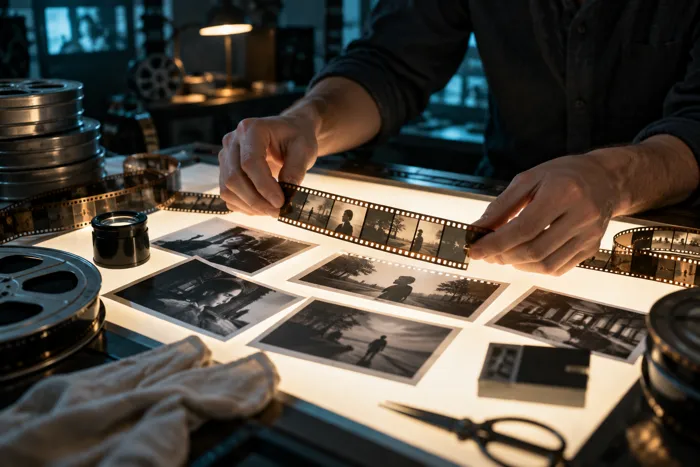
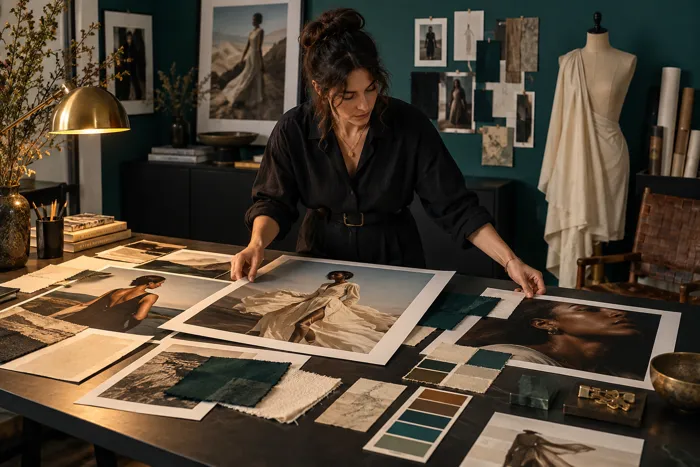
Start with an idea, a style and a scene. Explore visual directions before deciding which one to develop.
Turn ideas into remarkable video.
Create professional videos with AI in minutes, without technical complexity.
Your ideas. Your direction. With AI.
GENERATE
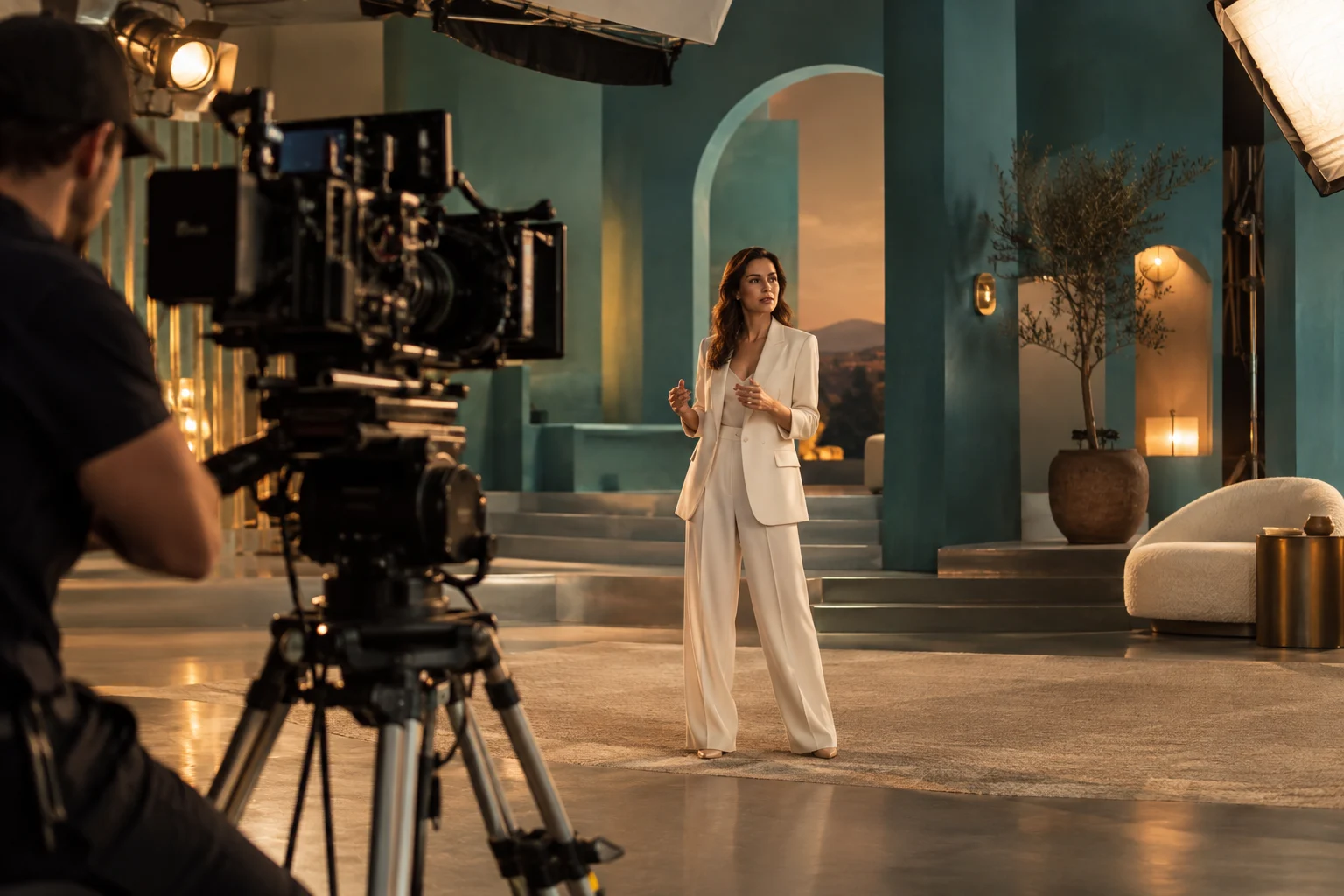
Use context, references and intent to explore video concepts without rebuilding the creative brief.
Start with an idea, a style and a scene. Explore visual directions before deciding which one to develop.
Refine the brief and compare variations: subject, atmosphere and pacing become creative choices to review rather than instructions to rewrite.
Gather approved references and brand guidance. Review the output and take the selected scenes into editing.
HOW IT WORKS
Select a step to explore the workflow.
Define the scene, message and desired feeling.
Generate different directions without rewriting the brief.
Turn the strongest concept into a production-ready starting point.
Bring your brief to Creafi and start with this workflow.
WHY CONNECTED CONTEXT MATTERS
Creafi keeps the information around the business close to the work, so each capability can make use of what came before.
Compare plansBrand references can guide generated scenes.
Campaign goals can shape the brief.
Audience needs can influence variations.
Winning concepts can inform future content.
PUT IT TO WORK
Two practical ways to shape the work around a real project. Use the one that fits your goal and adapt the details to your business.
Describe the scene, the feeling and the point the video needs to communicate. Include approved references for colour, composition and the audience’s context. Generate a small set of directions, then compare them with the same brief. Choose the version that supports the message rather than the one with the most visual effects.
Start with verified product details and decide which parts are better explained with footage, captions or voiceover. Use generated scenes to support the story, keeping their role clear. Bring the selected material into the editing workflow to refine pace, sound and format. Review the final result in the context where people will see it.
Have a project like this in mind? Bring your own brief to Creafi.
THE FINAL REVIEW
Keep people in charge of the details that matter. Use these checks when the work is ready to be published, sent or shared.
Check the full sequence for changes in objects, setting and style. Regenerate or edit moments that distract from the intended story.
Compare any visible product details and spoken claims with approved material. A generated scene needs the same editorial care as other assets.
Check framing, captions, audio and destination requirements. Keep an approved version available for the team responsible for publishing.
FAQ
Yes. The workflow is built to explore scenes and variations without rewriting the brief every time.
Yes. Generation is a starting point for selection and refinement, not the end of the workflow.
Yes. References can shape visual and messaging direction before generation.
CONNECTED CAPABILITIES
YOUR NEXT STEP
Turn a brief into finished video concepts, scenes and variations with AI.
Create your account to start. Check the plans for included features and credits.