01
Find the strongest moments
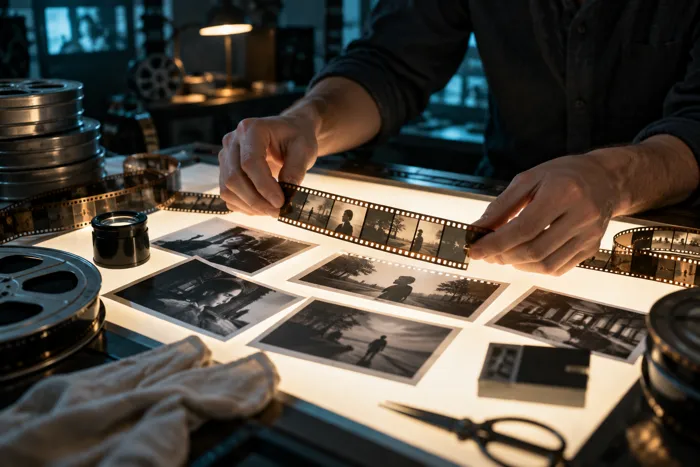
Work on pacing, cuts and scene order to bring the footage’s main message into focus.
Edit video without the complexity.
Cut, subtitle, add effects and improve every video with intelligent tools.
Your ideas. Your direction. With AI.
CREATE & EDIT
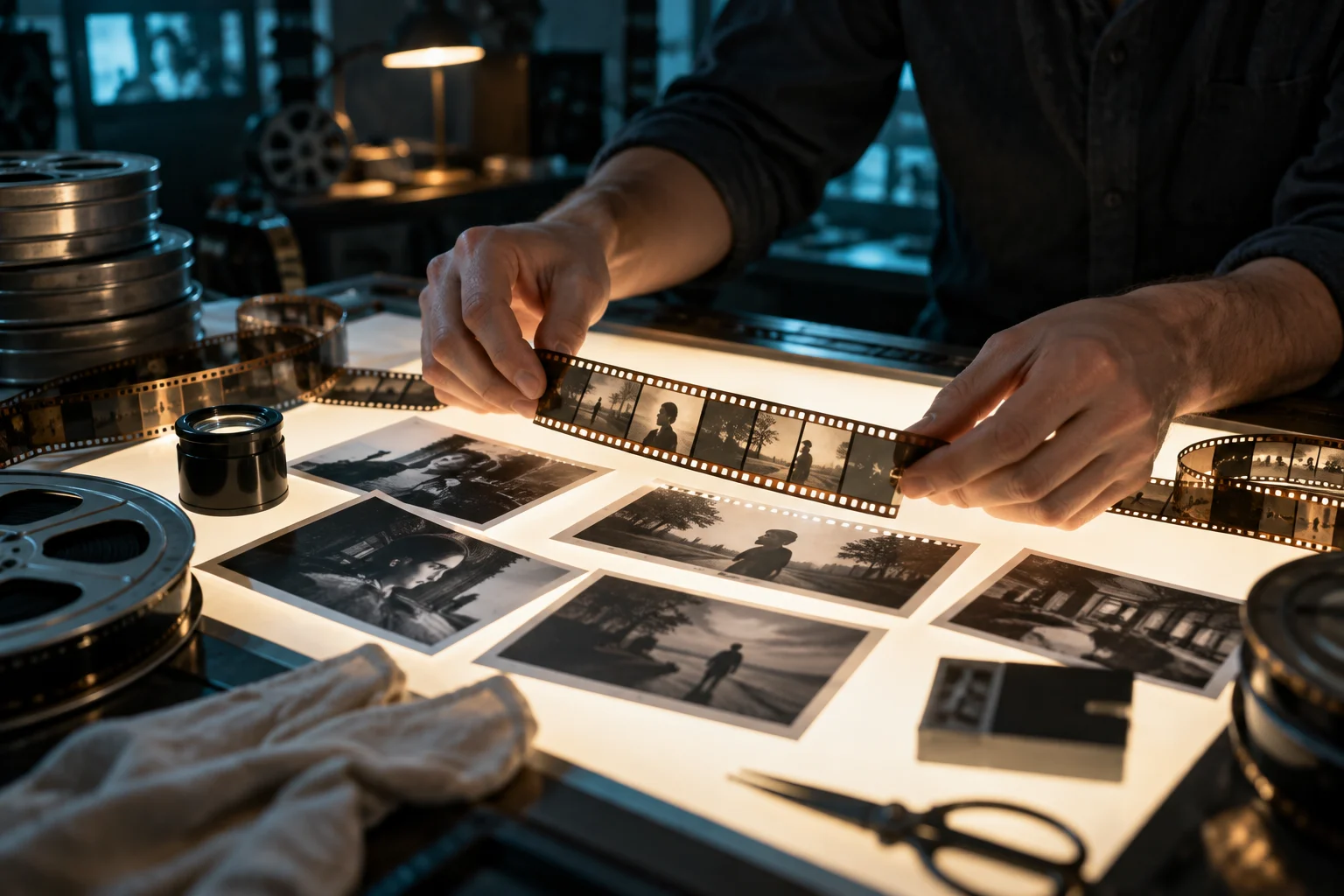
Turn long-form footage into clean edits, social cuts and variants while keeping the story coherent.
Work on pacing, cuts and scene order to bring the footage’s main message into focus.
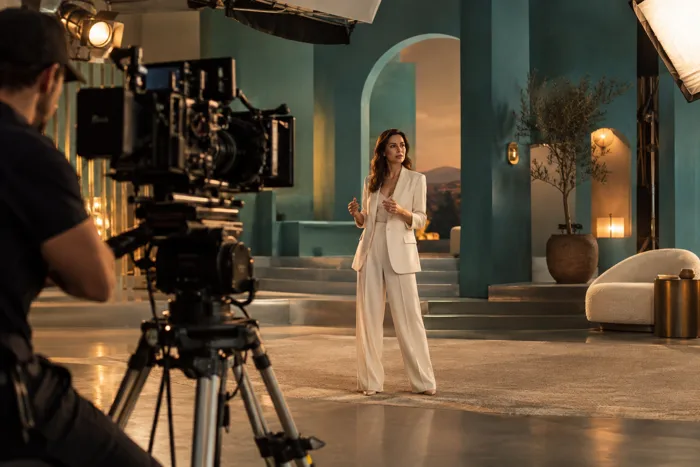
Turn a longer video into shorter versions and different formats. Check framing, subtitles and readability on a phone.
Keep the tone, title styling and brand references consistent across multiple edits of the same content.
HOW IT WORKS
Select a step to explore the workflow.
Start from raw material, references and intent.
Use AI to surface cuts, sequences and variants.
Export multiple formats without losing direction.
Bring your brief to Creafi and start with this workflow.
WHY CONNECTED CONTEXT MATTERS
Creafi keeps the information around the business close to the work, so each capability can make use of what came before.
Compare plansBrand references can guide visual decisions.
Long-form footage can feed social cuts.
Campaign priorities can shape what gets repurposed.
Performance signals can guide the next edit.
PUT IT TO WORK
Two practical ways to shape the work around a real project. Use the one that fits your goal and adapt the details to your business.
Choose the question the short clip needs to answer and mark the moments that explain it best. Remove pauses and repetition while preserving the meaning of what was said. Use captions and a clear opening to help people understand the context quickly. Keep a link or next action connected to the longer explanation when useful.
Build a main edit around the product’s useful details, then adapt the framing and pacing for each destination. Review text placement when moving from a wide format to a vertical one. Keep names, colours and message consistent across variants. Export and watch each finished version rather than assuming that one preview represents them all.
Have a project like this in mind? Bring your own brief to Creafi.
THE FINAL REVIEW
Keep people in charge of the details that matter. Use these checks when the work is ready to be published, sent or shared.
Check names, numbers and specialist words against the audio. Make sure line breaks remain readable on a phone.
Review the complete edit for abrupt cuts, distracting effects and uneven audio. Keep the emphasis on the message and the subject.
Confirm duration, framing and text placement in the final file. Keep the right version associated with its intended channel.
FAQ
Yes. The workflow is designed to turn source footage into channel-ready cuts and variations.
No. AI accelerates editing work while the creative direction remains under your control.
Yes. References, tone and campaign priorities can inform what gets selected and refined.
CONNECTED CAPABILITIES
YOUR NEXT STEP
Cut, refine and repurpose footage with AI while keeping your creative direction.
Create your account to start. Check the plans for included features and credits.